For Airbnb, Vrbo, and short-term rental hosts
Photos that show your rental at its best, exactly as guests will find it
Your rental is already furnished, so guests need accurate photos, not staged ones. Enhance your existing shots for free so they are bright, clear, and inviting, and clear the clutter between guests. Virtual staging is available as a planning tool for trying furniture ideas on a bare deck or patio, not for advertising furniture guests will not receive.
Free enhancement for an accurate, inviting cover photo
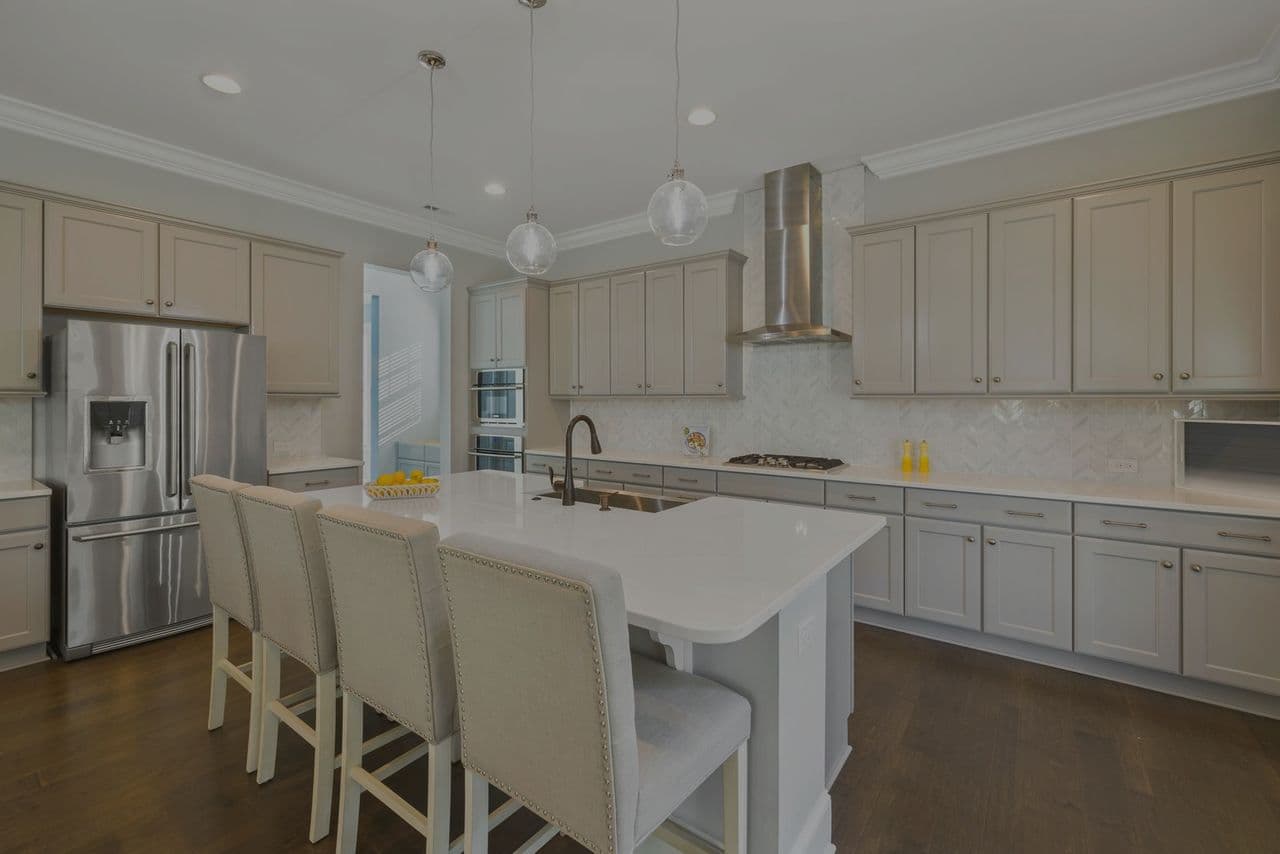
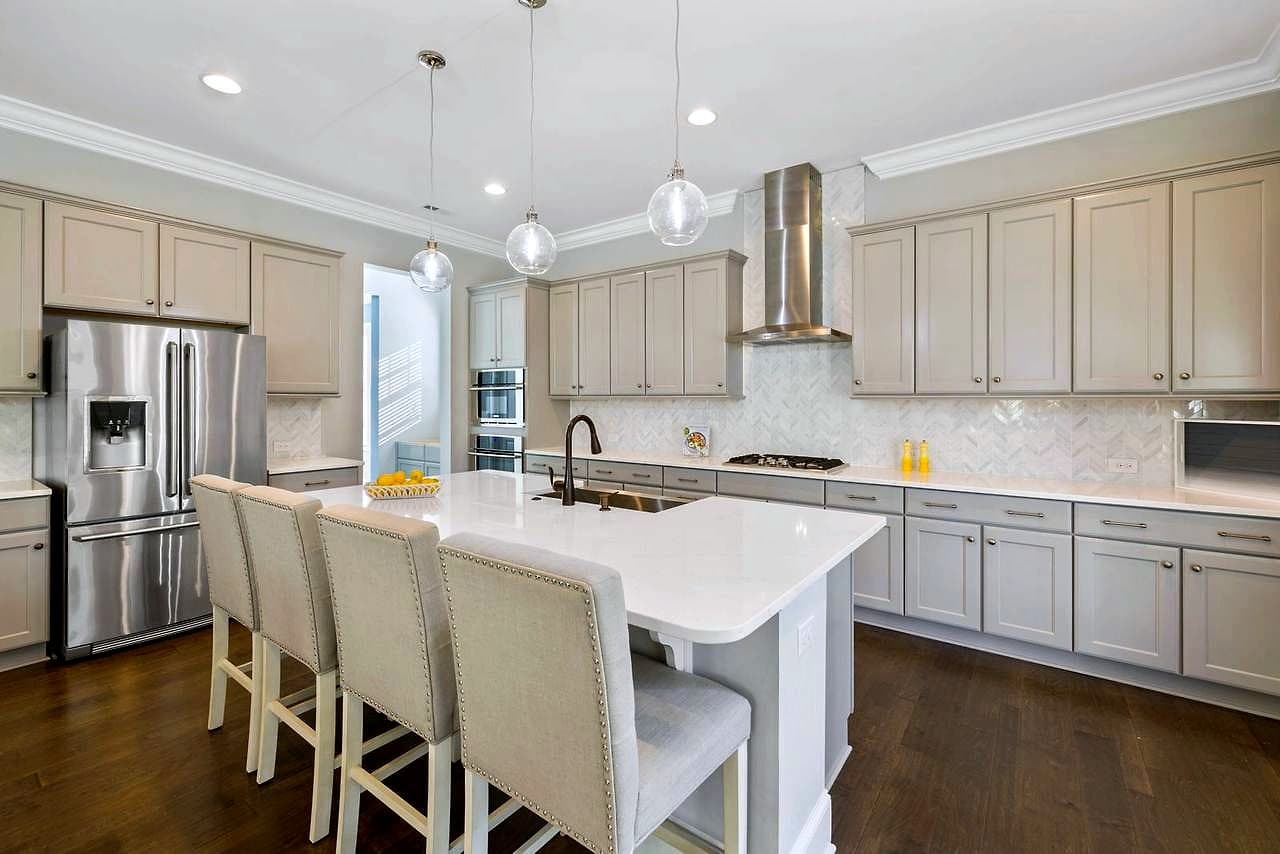
Your first photo decides the click. Enhancement brightens dim rooms, fixes flat color, and adds clarity so your space looks warm and welcoming on the search grid. It corrects lighting and color only, never the furniture, layout, or view, so guests see the real place when they arrive.
Crisp photos are easier to notice
Dark, dull thumbnails get scrolled past; bright, well-lit photos are easier to notice and compare. Enhance every photo in the set so the whole gallery pulls its weight, not just the hero shot. We make your real photos look their best; we do not promise rankings or bookings.
One-click decluttering for lived-in rooms
Between guests, a room can look busy. Furniture removal clears stray items, extra chairs, or leftover clutter so the space reads calm and spacious, with the floor and walls filled back in. Use it to remove clutter that will not be there for guests, not furniture that will. Airbnb's rules also say it will ask hosts to remove content where AI has been used to edit flaws, hide damage, or add amenities that are not part of the listing, so never use removal to hide wear or damage.
Plan outdoor furniture before you buy it
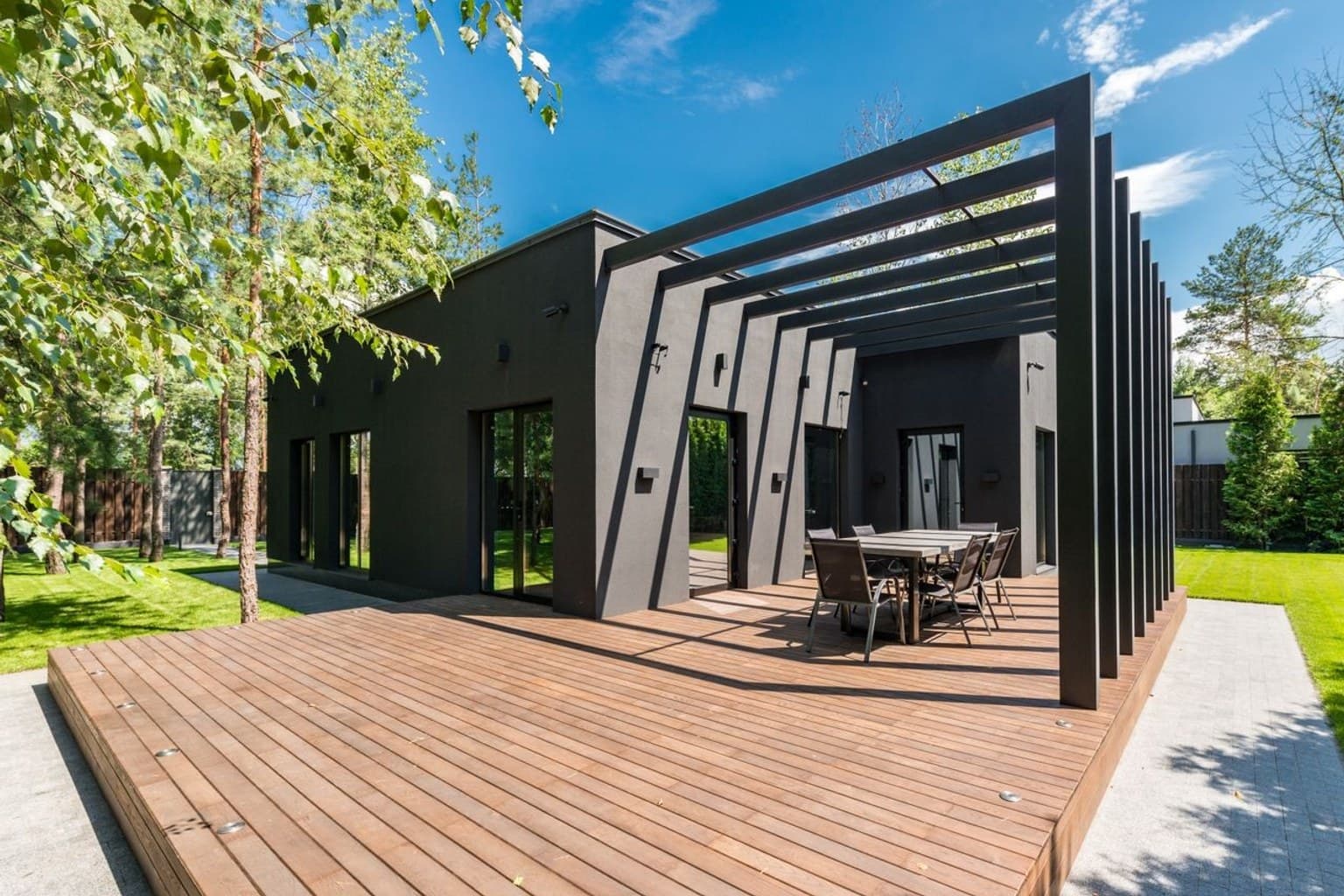
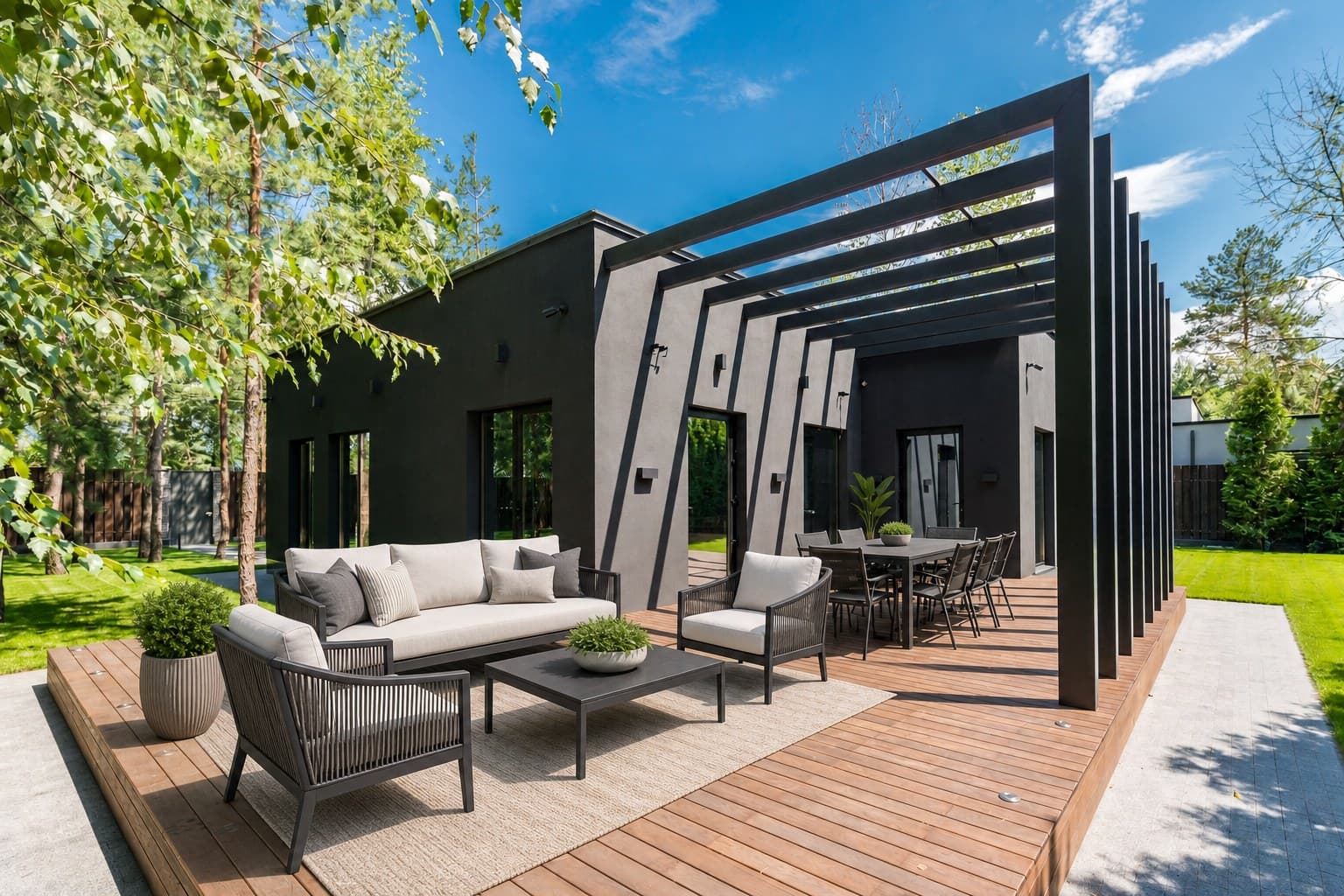
Thinking about furnishing a bare patio, balcony, or deck? Virtually stage it in 7 designer styles to compare layouts and looks before spending on real furniture. Treat the result as a mockup for you, not a listing photo for guests.
Show amenities as they are
Patios, pools, and balconies help guests choose. Enhance those photos so they glow, and photograph the furniture that will actually be there. Airbnb's hosting rules say listing photos should accurately represent the space provided and the amenities available from check-in to checkout, so accuracy is what protects your reviews.
Honest, because guests book from your photos
Enhancement never changes what is in the room, and staged mockups are for your planning, not your listing. Guests get what they saw, which is the surest way to avoid check-in complaints about a space that looked different online.
Upload your listing photos
Drop in your current Airbnb or Vrbo shots in JPG, PNG, WebP, or iPhone HEIC. Straight from your phone works, no file prep or naming rules.
Enhance and declutter
Enhance every photo for free to brighten and sharpen, and clear clutter from lived-in rooms with one click. If you are planning to furnish a bare outdoor space, stage a mockup to compare ideas.
Download and update your listing
Get bright, clean JPGs ready to upload. Set your strongest enhanced shot as the cover photo and refresh the rest. Publish only photos that match what guests will find.
What guests see is what guests get
Enhancement only corrects lighting, color, clarity, and sharpness. It is designed not to change your furniture, layout, room size, fixtures, appliances, flooring, windows, pool, view, or any part of the actual space. Virtual staging adds furniture that is not there, so use it as a planning mockup for empty outdoor spaces, not as a listing photo. Airbnb's hosting rules say the listing should accurately describe the home and reflect the features and amenities available from check-in to checkout. Honest photos are also what protect your reviews.
Keep going
Airbnb & STR hosts FAQ
My place is already furnished. Do I need virtual staging?
No. Furnished rentals need enhancement, brighter, sharper, better-color photos, plus decluttering for lived-in rooms. Virtual staging adds furniture that is not really there, which is fine for planning a bare deck or patio but not for a listing photo, because guests must find what they booked.
Will enhanced photos still look like my real space?
Yes. Enhancement corrects lighting, color, clarity, and sharpness only. It never adds or removes furniture, changes the layout, or alters the view. Guests book from your photos and arrive to the space they saw.
Can better photos really get me more bookings?
Brighter, clearer photos are easier to notice and compare on the search grid, and an accurate gallery avoids the disappointed reviews that hurt a listing. We do not promise rankings, rates, or bookings; results depend on your listing, pricing, and market.
How do I make my patio or pool area look its best?
Enhance those shots to brighten and sharpen them. If a deck or patio is bare and you are deciding how to furnish it, stage a mockup to compare ideas, then photograph the real furniture once it is in place. Do not publish a staged photo as if the furniture is provided.
What does it cost?
Photo enhancement is always free with no signup. Start with 3 free credits and no card. Then buy one-time credit packs: 10 credits for $5, 50 for $15, or 150 for $35. No subscription, and purchased credits never expire. Credits only apply to decluttering and staging mockups; enhancement is free.
Enhance a photo free
3 free credits, no credit card required. Enhancement is always free.
Enhance a photo free