For property managers, landlords, and rental teams
AI photo prep for rental listings
Make rental listing photos brighter, cleaner, and rent-ready. Enhance iPhone photos, stage empty units, remove furniture, and prepare JPGs for apartments, condos, single-family rentals, patios, balconies, and poolside spaces.
Free photo enhancement for occupied units
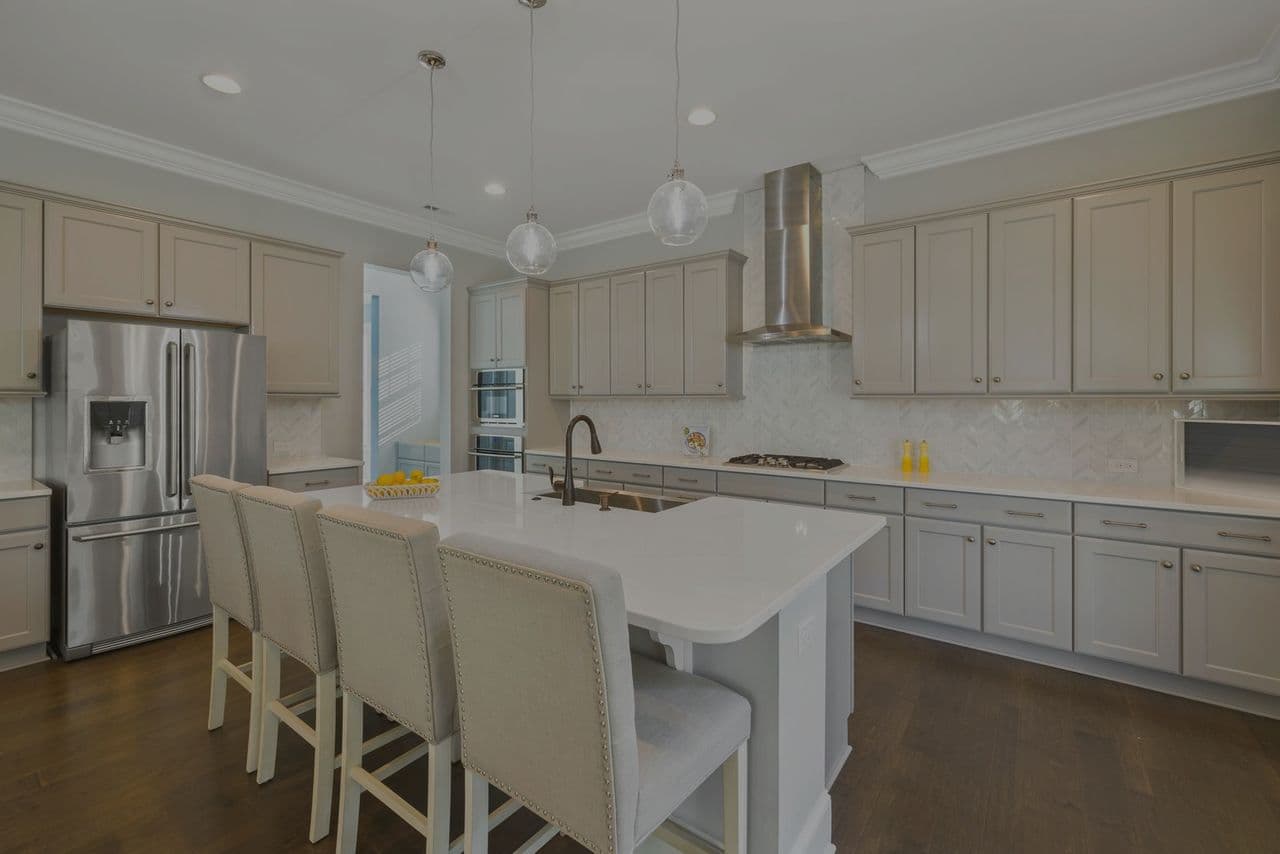
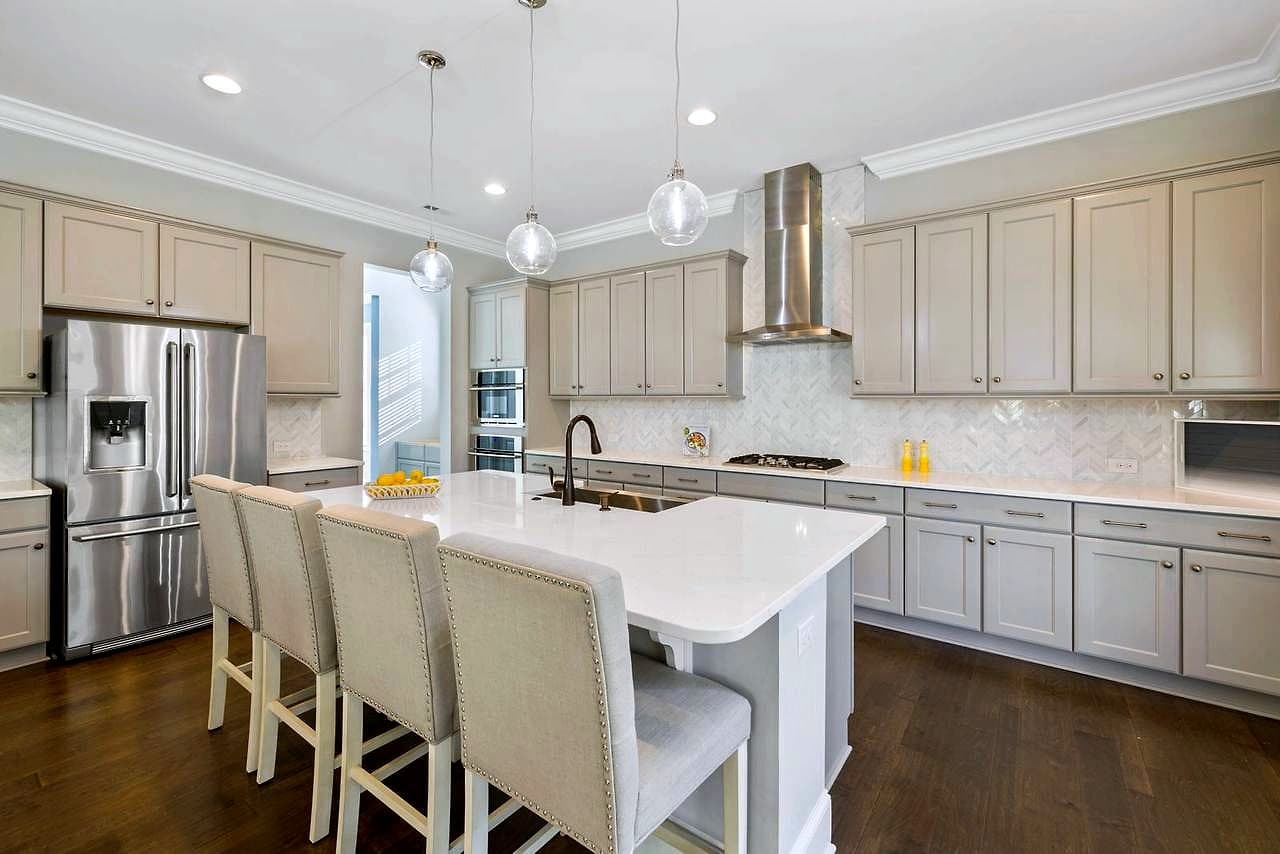
Most rentals get photographed while someone still lives there, in whatever light the day gives you. Our free enhancement fixes dim rooms, yellow lamp light, and flat phone photos so an occupied unit reads clean and inviting. It never changes content, so what renters see is what they get.
Shot on an iPhone, uploaded as-is
Upload straight from your phone, including iPhone HEIC files, plus JPG, PNG, and WebP. No converting, no desktop software. Snap the unit on turnover day, upload, and download listing-ready JPGs your portal and syndication feeds accept.
Remove leftover furniture and clutter
Tenant left a couch behind, or you shot before the last box was gone? One-click furniture removal clears movable items so a between-tenants unit looks show-ready. It targets furniture and decor only and is designed to preserve fixtures, flooring, and anything permanent.
Stage empty units so renters can picture living there
Bare units feel small and cold. Virtually stage an empty apartment, condo, or single-family rental in 7 designer styles so prospects see how a room actually lives, then still tour the real, unfurnished space.
Show off patios, balconies, and poolside
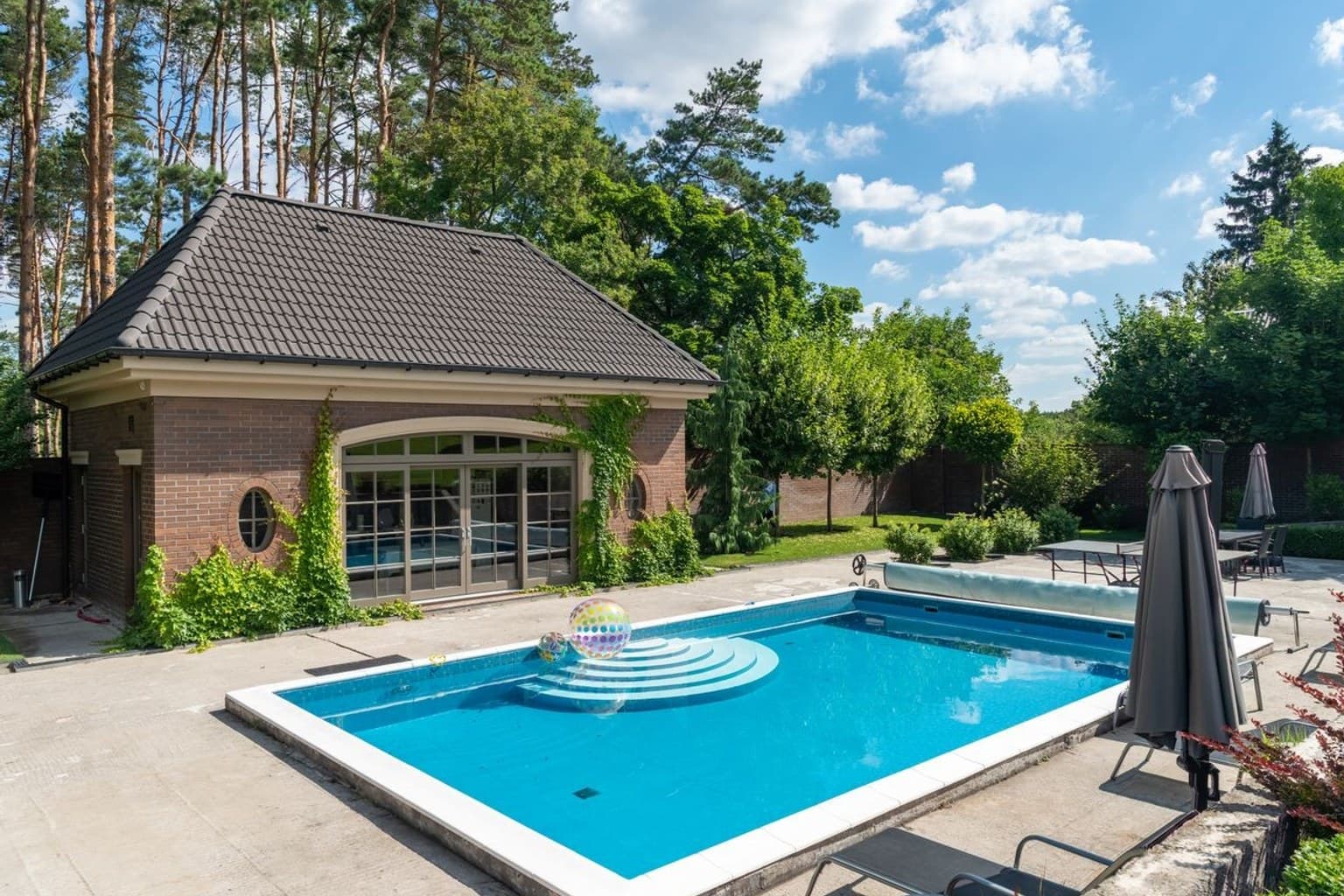
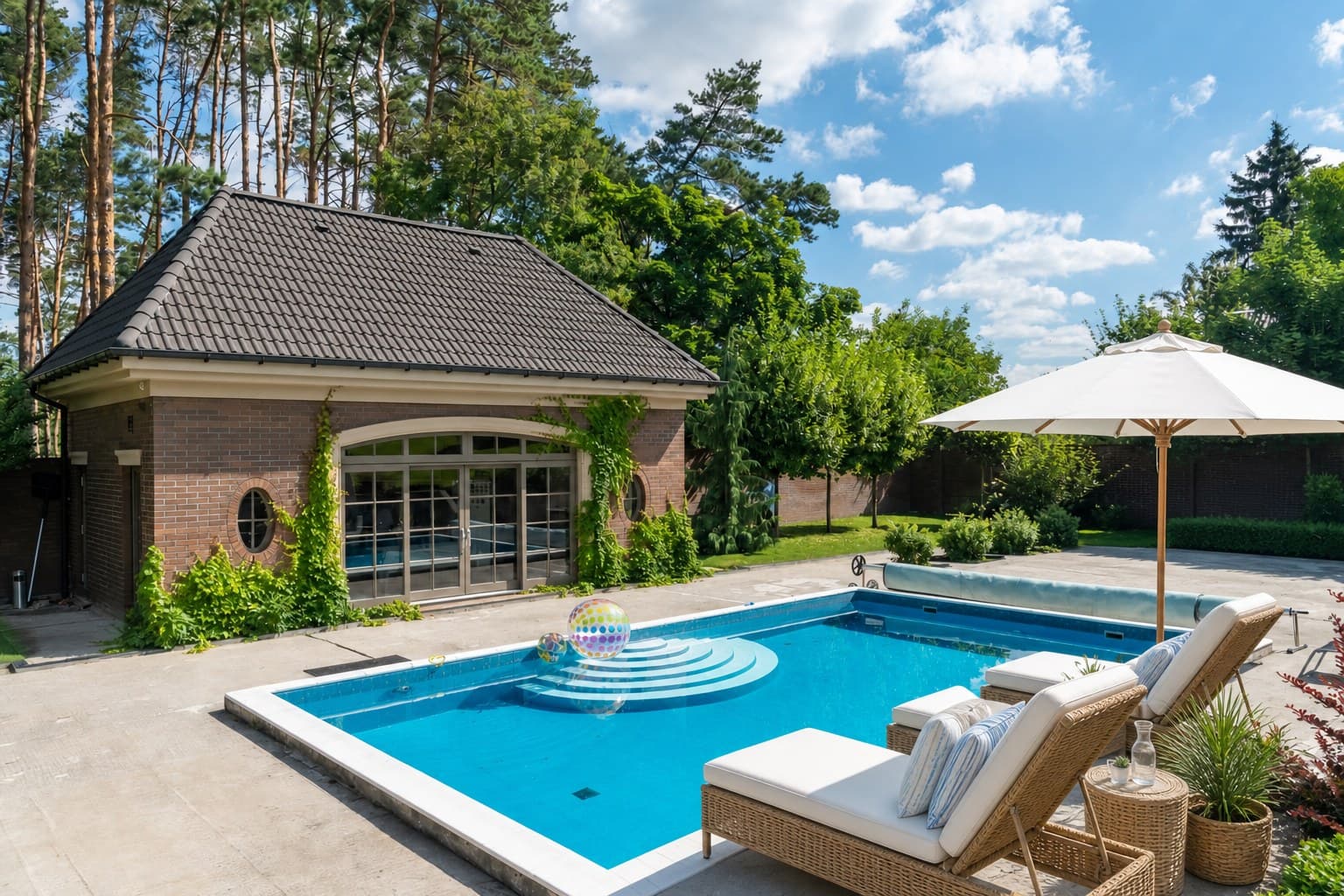
Outdoor living is a rent driver, especially for apartments and short-term stays. Add outdoor furniture to a bare patio, balcony, deck, or pool area so the amenity actually lands, while staging is designed to preserve the building, landscaping, and pool.
Turnover speed for whole portfolios
List faster on turnover day without waiting on a photographer. Enhance, declutter, and stage in minutes so a vacant unit goes live the same day it is ready, cutting days of vacancy across a portfolio of listings.
Upload your unit photos
Drag in photos straight from your phone, including iPhone HEIC, plus JPG, PNG, and WebP. Works for a single vacancy or a batch across a portfolio.
Enhance, remove, or stage
Start with free enhancement for brighter, cleaner shots. Then remove leftover furniture, stage an empty unit in one of 7 styles, or dress up a patio or balcony.
Download rent-ready JPGs
Get clean, listing-ready JPGs for your rental portal, syndication feeds, and social. Enhancement is always free, so most turnover photos cost nothing.
Renters see the real unit
ListReadily is designed to preserve permanent property features, damage, appliances, flooring, windows, landscaping, structures, and views. Enhancement only adjusts brightness, color, and clarity, and staging only adds or changes movable furniture and decor, so renters see the real unit.
Keep going
Landlords & property managers FAQ
Do I need to empty a unit before photographing it?
No. Enhancement works on occupied units and just improves brightness, color, and clarity without changing anything. If a tenant left furniture behind, one-click removal can clear movable items. For a truly empty unit, virtual staging can add furniture so prospects picture the space.
Does this work with iPhone photos?
Yes. Upload iPhone HEIC files directly, along with JPG, PNG, and WebP. No converting or desktop software needed, so you can shoot a unit on turnover day and upload right from your phone.
What is the difference between enhancement and staging?
Enhancement is free and only adjusts brightness, color, clarity, and sharpness. It never changes content, so it is ideal for occupied or furnished units. Staging adds or swaps movable furniture and decor in empty units so renters can see the potential, and it uses 1 credit per finished photo.
Will staging or removal misrepresent the actual unit?
No. Staging and removal only target movable furniture and decor and are designed to preserve the layout, fixtures, flooring, windows, appliances, damage, landscaping, structures, and views, so renters tour the real space.
Can I use these photos on Zillow, Apartments.com, and my property portal?
Yes. Downloads are standard listing-ready JPGs that rental portals, syndication feeds, and social all accept. Enhancement is always free, so brighter, cleaner turnover photos cost nothing to produce.
How much does it cost for a portfolio of listings?
Enhancement is always free. Staging and furniture removal use 1 credit per finished photo. You get 3 free credits with no card, then one-time credit packs (10 credits for $5, 50 for $15, or 150 for $35) that never expire and need no subscription, so you can scale credits to how many units you turn over.
Enhance a rental photo, free
3 free credits, no credit card required. Enhancement is always free.
Enhance a rental photo, free